Product View


ECOTimePrint ECO Cloud Clocking
Online mobile attendance clock system with GPS & QR Code. Integration with ECOTIMEPRINT ETA3 for more advanced scheduling and reporting.
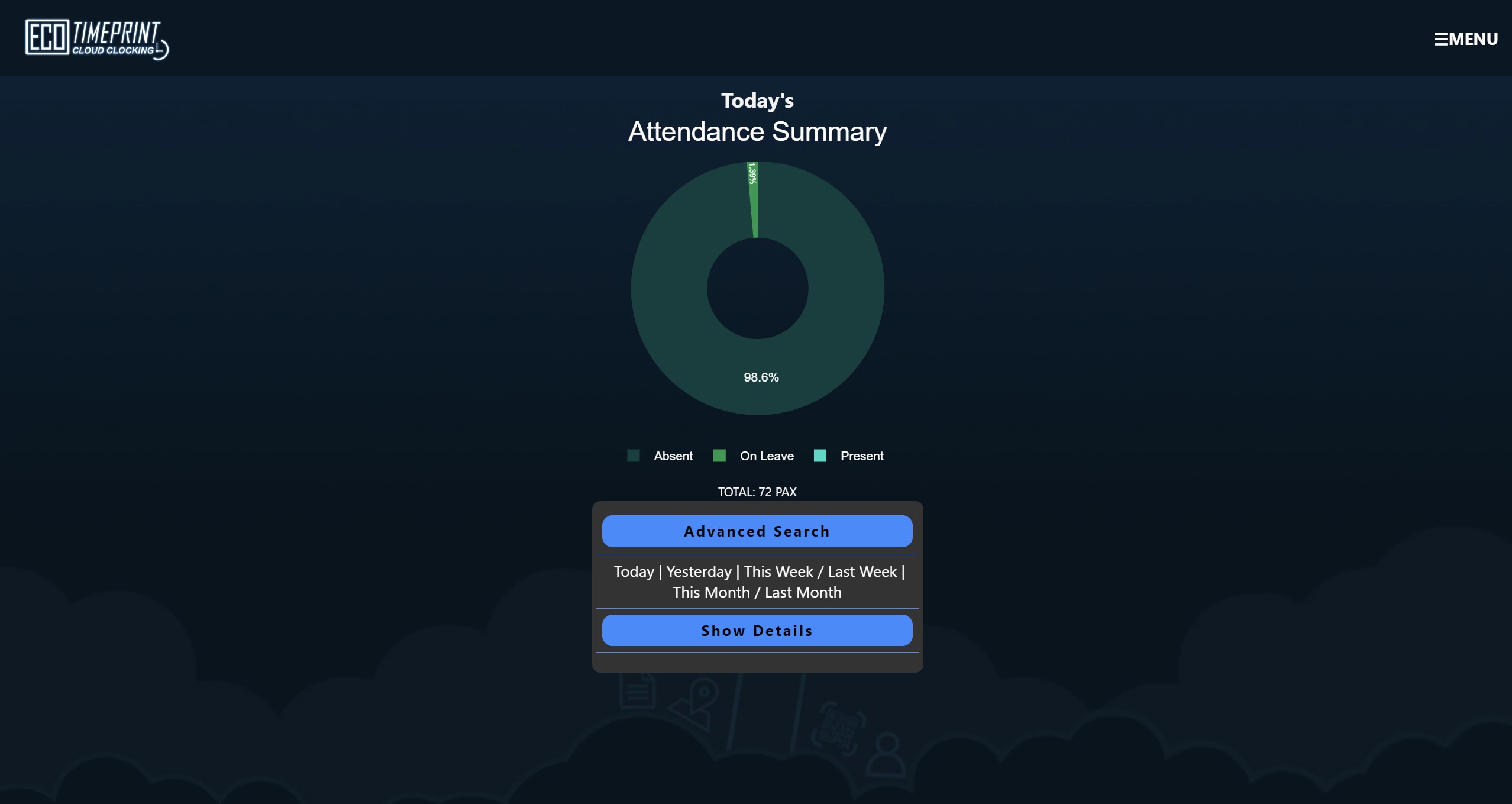
Cloud Attendance View
Clocking Methods
Leave Application
Employee Parameters
• Manage employee configurations, including device logins, Clocking Methods, GPS clocking location, etc...
System Setup
• Set up essential items such as GPS locations, payroll stations, departments, and work codes.
Message
• Leave messages to specific employees to facilitate communication within payroll stations or departments.
COMPANY LOGIN
| No. | Description |
|---|---|
| 1 | Attendance Summary - Advanced Search - Show Detail by Today / Yesterday / This Week / Last Week / This Month / Last Month |
| 2 | Leave Application - Search Leave & Approve/Reject Leave by Management - Add Leave |
| 3 | Leave Monitoring - Create Leave Monitoring |
| 4 | ECO Clocking - GPS Clocking - QR Code Clocking |
| 5 | Employee Master - Manage Employee Profile |
| 6 | Employee Parameter - Witness clocking - Mandatory Work Code selection - Multiple device login - Transfer to new device - Mandatory Punch at registered location - Mandatory Photo Taking after punch - "None" status punch |
| 7 | Messages - Send message by Payroll Station/ Department/ Employee |
| 8 | System Setup - Company Profile - Work Code - System Parameter - Department - GPS Location - Leave Type - System Parameter - User Profile - Terminal Setup |
EMPLOYEE LOGIN
| No. | Description |
|---|---|
| 1 | Attendance - View current user attendance |
| 2 | Clocking - QR Code - GPS |
| 3 | Witness Clocking - QR Code - GPS |
| 4 | Leave Application - Search Leave & Approve/Reject Leave by Management - Apply Leave |
| 5 | Leave Balance - View current user leave balance |
| 6 | Messages - View messages left by management |
| 7 | My Profile - User Profile - Change Password |